
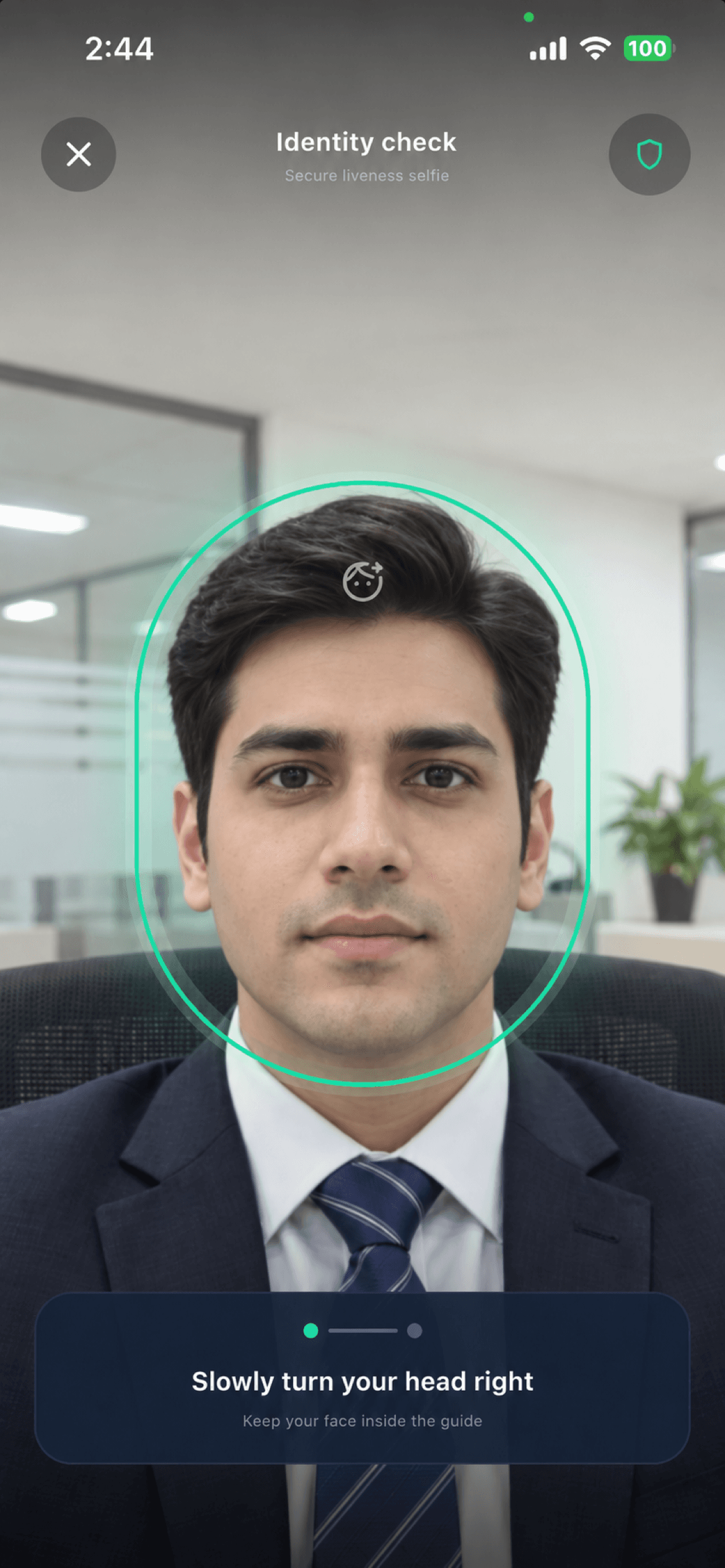
How a face-verified check-in works
- 1Enrol once. The worker agrees to the in-app notice, then takes a reference capture. The phone turns it into a face template (128 numbers) using the open-source OpenCV SFace model. The template is stored on our server; the enrolment photo itself is not uploaded.
- 2Prove it's a live person. At every check-in the worker completes a liveness challenge. On Growth it's one randomized action (turn the head left or right, tilt it up or down, or blink); on Starter it's a blink.
- 3Match the face. The phone makes a new template from the check-in selfie. The server compares it with the enrolled reference and decides using your workspace's threshold. A mismatch creates no attendance record.
The same happens offline: the phone checks the face at capture, and the server confirms the match when the punch syncs.
What is stored, and what isn't
Scroll the table sideways to read all columns.
| Data | Stored? |
|---|---|
| Face template (128 numbers) | Yes, on the server, per enrolled worker |
| Enrolment photo | No, it stays on the phone |
| Selfie for each accepted punch | Yes, in private storage, as attendance evidence |
| Selfie for a refused match | No, only the outcome and score |
"No photos stored" would therefore be untrue, and we don't claim it. An administrator can reset a worker's face profile, which deletes the template and requires fresh consent and enrolment.
Why we don't quote an accuracy percentage
Face matching produces a similarity score, not a probability. Whether a score counts as a match depends on the threshold, and the right threshold depends on your crew's phones, lighting, hard hats and enrolment quality. A single "99.9% accurate" figure hides all of that, so we calibrate with you instead. Run a pilot with real shifts before relying on it for pay.
Getting it switched on
Face verification is part of the Growth plan and is enabled per workspace. We turn it on once you've confirmed your worker notice and a fallback for anyone who can't use it. After that you can require it for particular sites or groups through work rules.
For a shared tablet where workers don't use their own phones, the face recognition kiosk identifies people instead of verifying a claimed identity. That's a different process with its own requirements.
What it doesn't do
- It isn't certified presentation-attack detection. Liveness makes a printed photo or replayed video much harder to use, but the challenge result is judged on the phone.
- It doesn't prove the phone app is unmodified. A tampered app could submit a fabricated template. Byte-identical selfies are refused, and device checks catch common tampering tools, but no phone-based system is tamper-proof.
- It isn't access control. A match records attendance; it doesn't open a gate.