
How the geofence check works
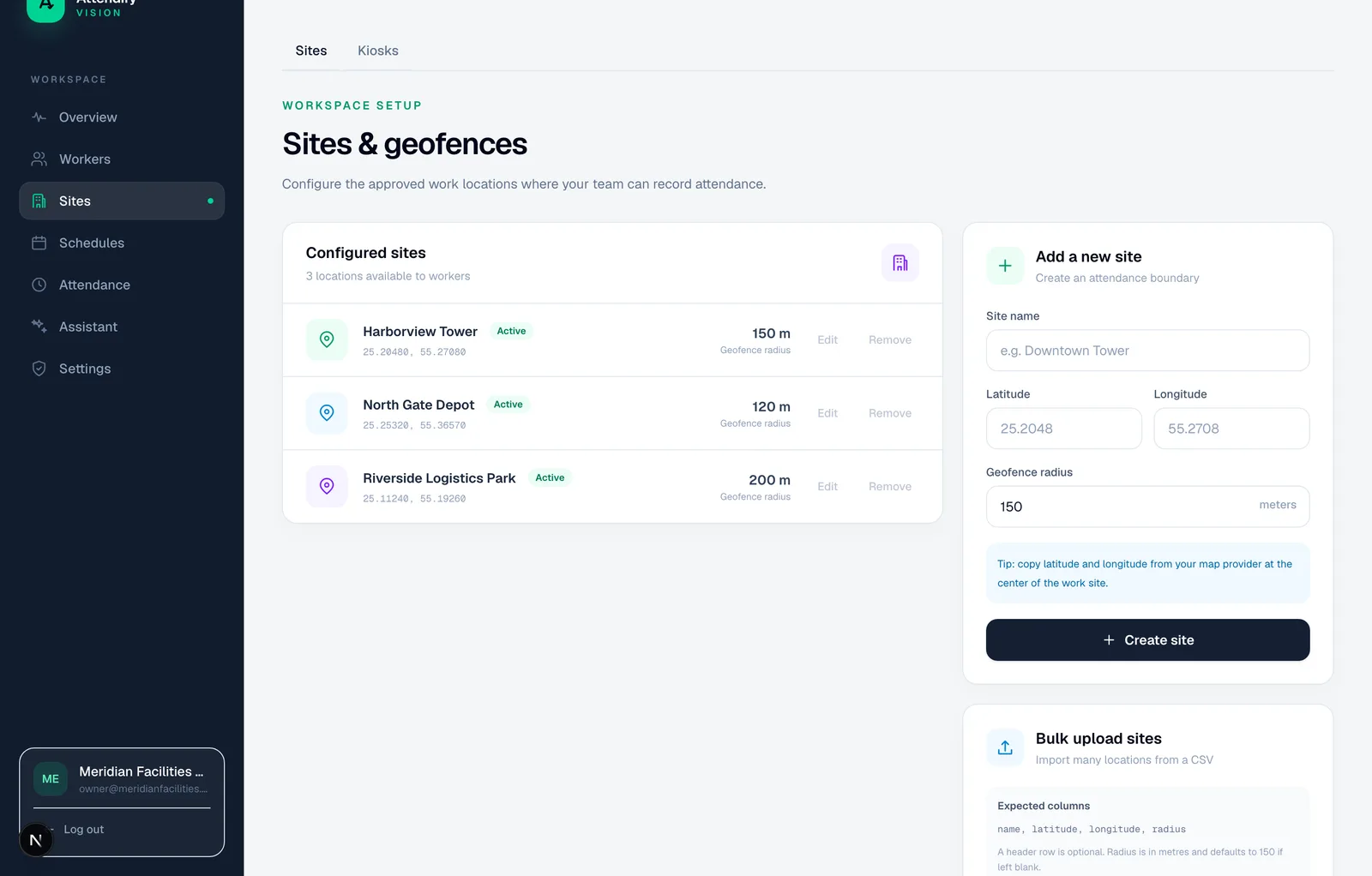
Each site has a centre point and a circular radius between 10 metres and 5 kilometres. When a worker taps Check In or Check Out, the app takes a GPS fix and records its reported accuracy with the punch.
The check happens twice. The app compares the fix with the worker's assigned site first, so someone standing outside the boundary is told before the camera opens. The server then repeats the distance calculation on the submitted coordinates before it accepts the record. The decision never rests on the phone's own "inside the boundary" verdict, and punches saved offline get the same server check when they sync.
One assigned site per worker
Each worker is assigned to one site at a time. A check-in at a different site is refused, and a shift that is still open has to be closed at the site where it started. When someone moves to another project, an administrator changes the assignment and the new boundary applies from their next punch.
This suits crews based at a site, a depot or a client's premises. If your people visit several customer locations in one day and need each visit timed, a job-tracking tool is a better fit than site attendance.
Require the geofence where it matters
The requirement can come from a work rule for the whole company, a group of workers or one worker. Where no rule applies, each site's own setting decides. The phone reads the effective requirement from the server, so a change on the dashboard reaches workers without an app update.
Choose a radius around real use
Start with where workers actually arrive: a gate, reception point or site office. Satellite visibility, tall structures and indoor conditions all change the reading, so test on the crew's own phones before settling on a size. No single radius is right for every site.
Scroll the table sideways to read all columns.
| Setup question | Practical check |
|---|---|
| Where should workers punch? | Mark the intended entrance or arrival area |
| Does the circle cover neighbouring premises? | Look at surrounding roads and buildings |
| Are genuine punches being refused? | Check location quality before widening the boundary |
| Are two sites close together? | Confirm each worker's assignment |
When a check fails, or looks wrong
Under a geofence requirement, a punch outside the boundary is refused and the worker sees why. If the work was genuine, a supervisor records a missed punch correction with a reason, rather than widening the boundary for everyone.
Some punches are accepted but flagged for review instead. The server flags a fix with reported accuracy worse than 150 metres, an identical fix repeated 30 or more minutes apart, and travel between punches faster than 250 km/h. On app version 1.0.19 and later, mock-location apps are detected at the punch. See fake GPS and buddy punching detection for the full list and how to set each check to block, flag or allow.
Event location, not live tracking
Attendify records location at check-in and check-out only. It does not follow a worker's route between punches or run in the background during the shift. That gives you site evidence without continuous monitoring. It also means a check-in shows the worker arrived, not that they stayed on site all day.
For how accurate phone GPS is in practice, see GPS.gov's accuracy guidance. A short pilot at the real gate is the most reliable way to set a boundary.